Categories
Message
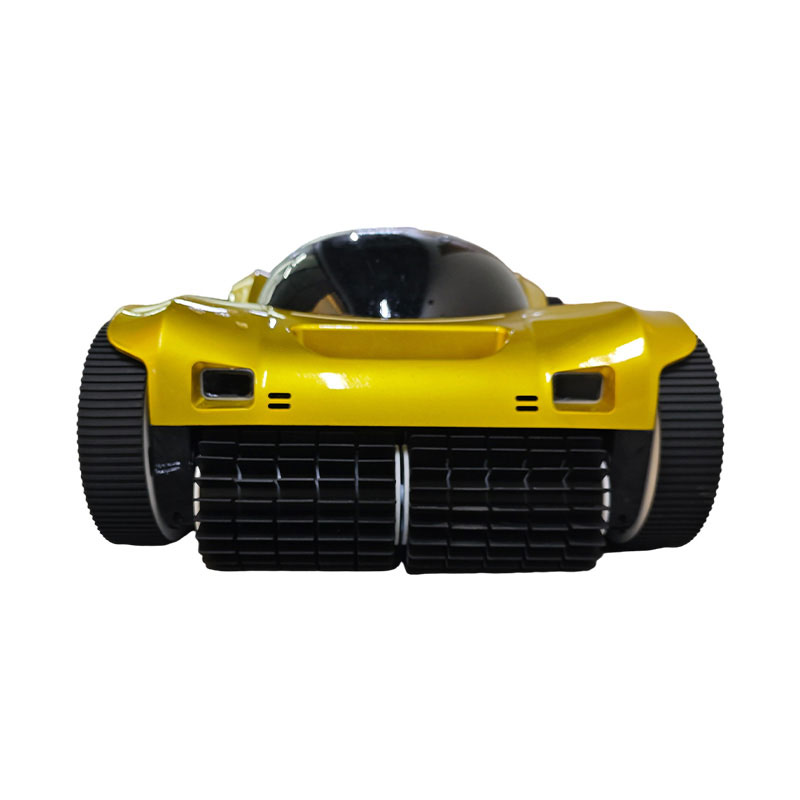
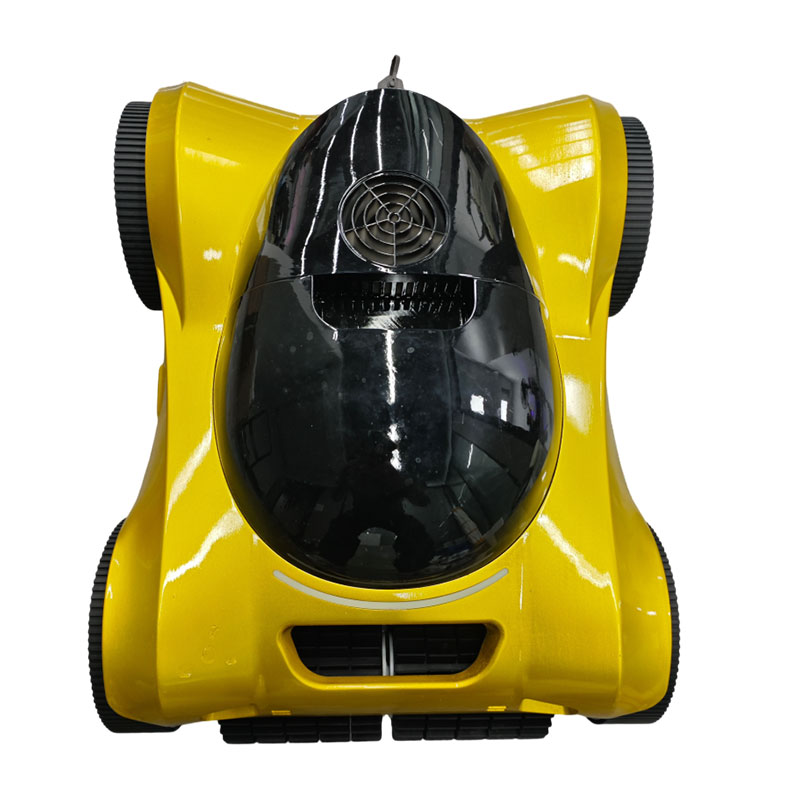
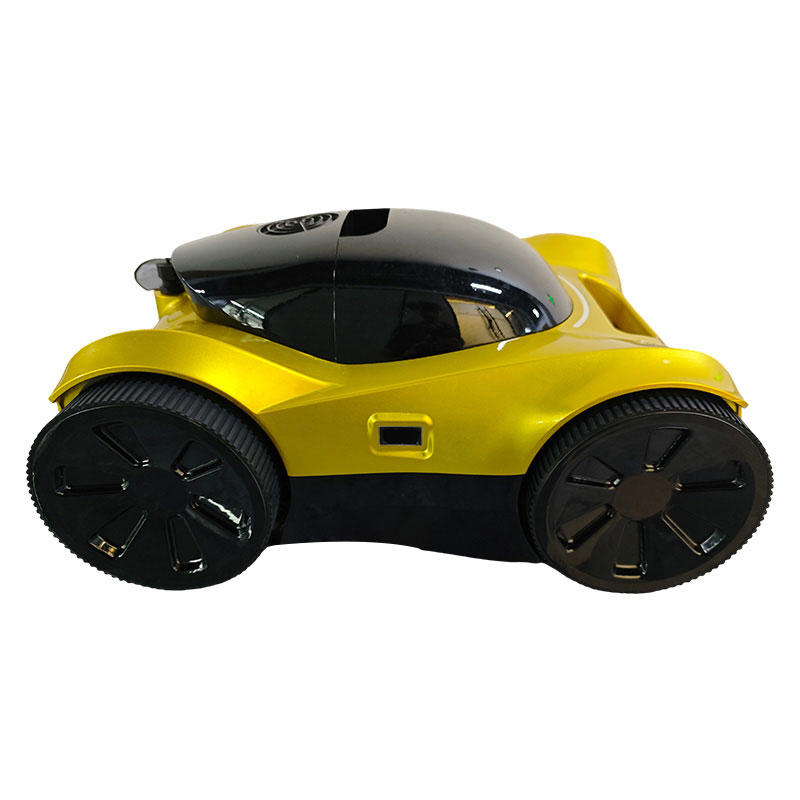
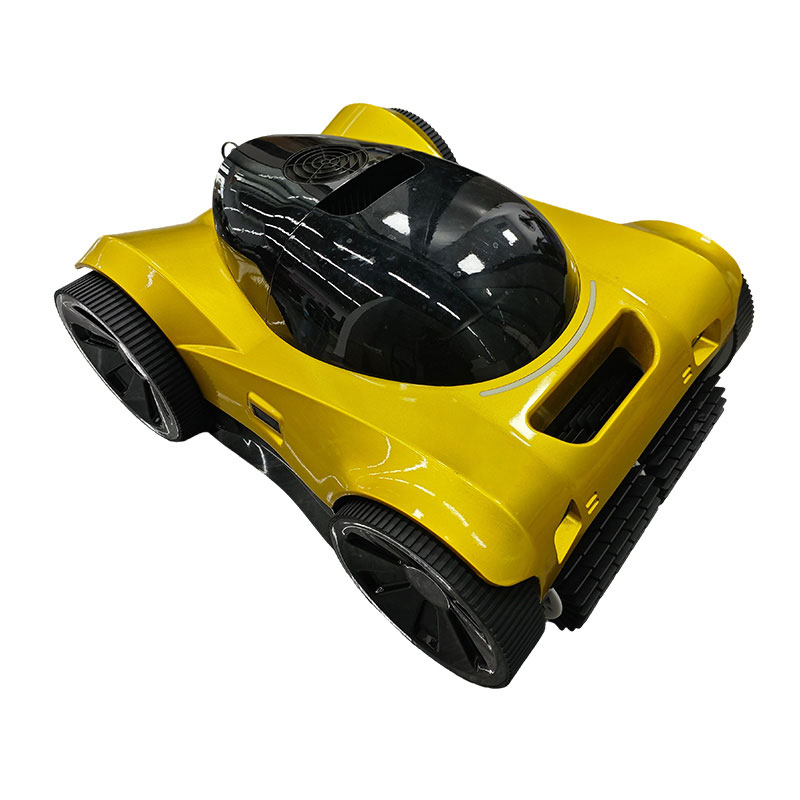
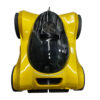
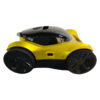
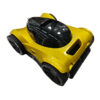
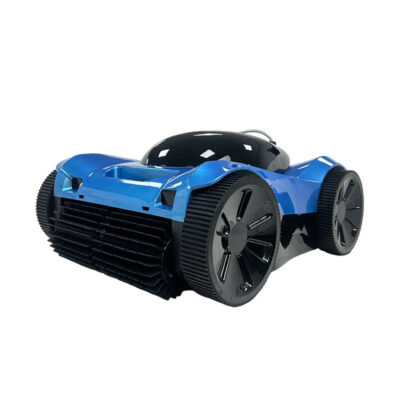
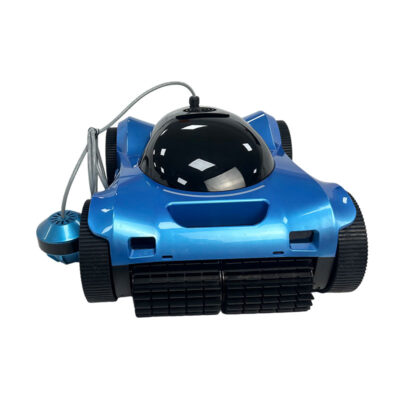
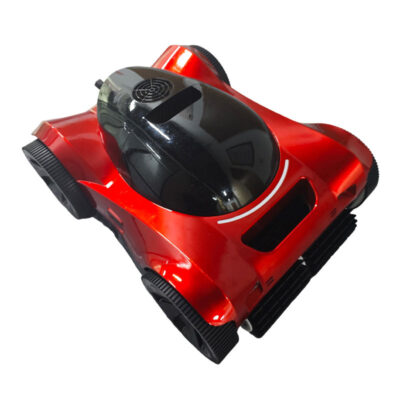
Cordless Wall Climber For Deep In-Ground Pools
| Which areas to clear? | Pool bottom, pool wall |
| Where is it applied? | Ceramic/tile swimming pools, fiberglass swimming pools, pebble swimming pools, standard and non-standard swimming pools |
| What to clean up? | Mud, sand, dust, deciduous plants, mosquitoes, algae, and man-made impurities, etc. |
| When to use it? | Suitable for regular cleaning; use once every two days, for 1.5-2.5 hours each time. |
Category XT Pro
Products Description
Technical Parameters |
|
| Battery Capacity | 10400 mAh |
| Battery Life | 4.5 H |
| Cleaning Type | Bottom + Wall |
| Filter Density | 180 um |
| Filter Size | 3.5 L |
| Cleaning Area | 600 m² |
| Charging Time | 4 H |
| Cleaning Speed | 12 m/min |
| Suitable Depth | 0.5-3 m |
| App Control | Support |
| Remote Control Operation | Support |
| Packing List | Robot -1, Power Adapter -1, User Manual -1, Remote Control -1, Quick Start Guide -1, Charging Cable -1 |
Advantages |
|
| Path Planning | Precision navigation for extensive coverage and thorough cleaning. |
| Low Battery, Move To The Side | When the battery level drops below 10%, the unit automatically moves close to the wall and docks, making it easy to retrieve. |
| Dual-Drive Motor & Powerful Suction | Effectively prevents underwater dust and sediment from kicking up; features dual filtration for thorough cleaning. |
| Full-Inverter Tech | The motor power is automatically adjusted according to the level of dirt in the pool or the flat/slope condition. |
| Smart App Control | Connect to a mobile app via Bluetooth/Wi-Fi to schedule cleaning and customize cleaning areas (such as “clean the bottom of the pool only” or “quick clean” modes). |
| 3D Quad-Cleaning | Breaking away from the limitations of traditional machines that can only clean the bottom of the pool, this system utilizes a powerful wall-climbing algorithm and track grip to achieve three-dimensional cleaning of the pool floor, walls, and waterline. |
FAQ |
|
| How to operate and use it? | 1. Ready to use right out of the box; 2. Simply plug in a power source, start with one button 3. Connect via the app or remote control—no further setup required. 4. For details, please refer to the user manual or contact our customer service. |
| How to troubleshoot the problem? | 1. Service personnel are online 12/7. 2. Customers require detailed pictures and videos. 3. Provide customers with picture and video guidance. |
| How to replace parts? | 1. Consumable parts will be provided in advance (at the time of purchase). 2. Video tutorials will be provided. |
| Why was the instruction not executed? | 1. Pool robot products program issue. 2. Power off for 30-60 seconds, then restart. 3. If the problem persists, please contact customer service. |
| How to maintain it? | 1. Thoroughly remove any dirt and entangled debris from the robot. 2. Clean the filter thoroughly and let it dry. 3. Carefully inspect the battery casing for signs of damage or corrosion. 4. Ensure the robot is completely dry to prevent mold growth, and store it in a dry, well-ventilated area. |